

Creating a business site may be time-consuming and require a lot of technical difficulties.
The chatbots interface design system provides designers and developers with pre-designed templates that include guidelines for layout development and user interface, and user experience design, clean frontend design, backend system design, and optimization methods.
Proper use of these prompts would allow the user to save time and minimize the amount of uncertainty, as well as create websites that meet both the search engine optimization and conversion objectives, yet stay within the scope of quality standards.
What Are ChatGPT Design Prompts and Why Do They Matter?
ChatGPT design prompts are instructions that are well-defined to help ChatGPT generate site layouts, front-end code, back-end logic, and even performance and SEO optimization strategies.
Such prompts may help you establish workable, professional, ready-to-use products as they provide a clear background of the kind of site you are working on, your targeted audience, and overall goals.
Their usefulness lies particularly in the fact that they make the guesswork less; the process of designing and developing something becomes much faster and more consistent in the context of complex web projects.
ChatGPT Design Prompts allow you to create the responsive layout, construct scalable frontend and backend applications, or enhance the performance and conversion rates of your websites efficiently, being a time-efficient, intelligent assistant that offers you high-quality, polished websites.
How ChatGPT Design Prompts Help in Professional Web Design
- You can consider them as your web project assistant.
- Recommend UX to ensure that your website is intuitive and user-friendly.
- Create reusable code, clean and ready to implement.
- Streamline tackling difficult development challenges.
- Best agencies, freelancers, and startups with strict deadlines.
Best ChatGPT Design Prompts for Web Design and Development
Stop losing time by starting all over. Ready to write expert web design tips, clean code templates, and layouts with high conversion rates. These six ChatGPT prompts are right at your fingertips. Just enter your project specifications, and you can have professional-ready results in just minutes.
1. Designing Clean and User-Friendly UI/UX
Holds the very instruction to create the intuitive, visually clear interfaces.
Prompt:
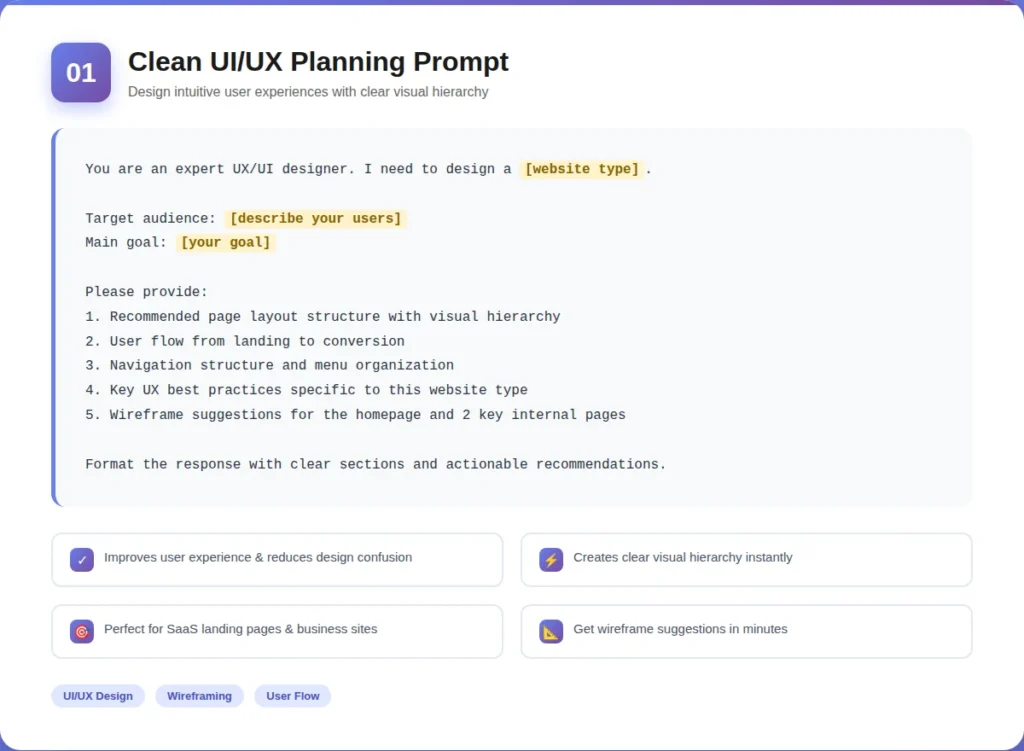
You are an expert UX/UI designer. I need to design a [website type, e.g., “SaaS landing page” / “e-commerce store” / “business website”].
Target audience: [describe your users]
Main goal: [e.g., “generate leads” / “sell products” / “showcase portfolio”]
Please provide:
1. Recommended page layout structure with visual hierarchy
2. User flow from landing to conversion
3. Navigation structure and menu organization
4. Key UX best practices specific to this website type
5. Wireframe suggestions for the homepage and 2 key internal pages
Format the response with clear sections and actionable recommendations.
How It Works
ChatGPT will analyze your type of website, target audience, and objectives to recommend an intelligent layout, intuitive flow of navigation, and optimum use experiences designed to suit your project.
Benefits
- Develops a user-friendly interface.
- Eases the design decision-making.
- Provides an apparent visual hierarchy to users.
2. Responsive and Mobile-First Web Design
Includes the instruction of creating mobile-friendly, responsive sites.
Prompt:
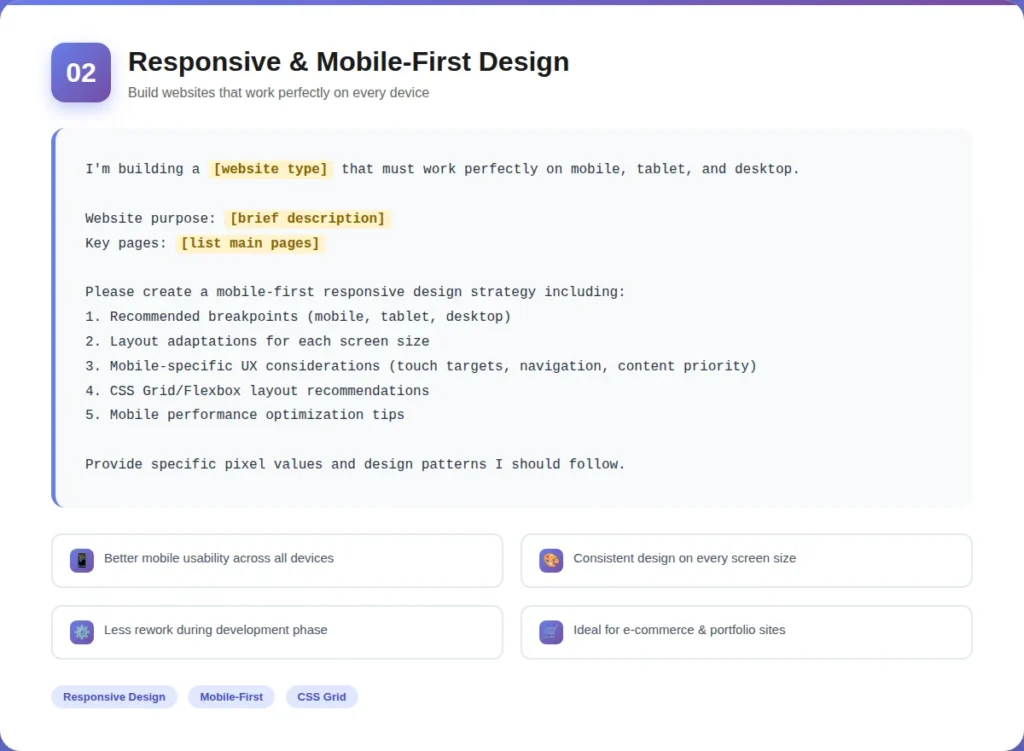
I’m building a [website type] that must work perfectly on mobile, tablet, and desktop.
Website purpose: [brief description]
Key pages: [list main pages]
Please create a mobile-first responsive design strategy including:
1. Recommended breakpoints (mobile, tablet, desktop)
2. Layout adaptations for each screen size
3. Mobile-specific UX considerations (touch targets, navigation, content priority)
4. CSS Grid/Flexbox layout recommendations
5. Mobile performance optimization tips
Provide specific pixel values and design patterns I should follow.
How It Works
ChatGPT suggests mobile-first layouts, breakpoints, and adaptive designs to make your website look good on mobile, tablet, and desktop.
Benefits
- Make sure that there is a smooth experience regardless of the screen size.
- Ensures cross-departmental similarity of designs.
- Reduces the productivity of rework in development.
Partner with EXRWebflow to apply AI and software strategy where it matters most.
3. Frontend Development (HTML, CSS, JavaScript)
It contains the prompt to produce clean, structured frontend code.
Prompt:
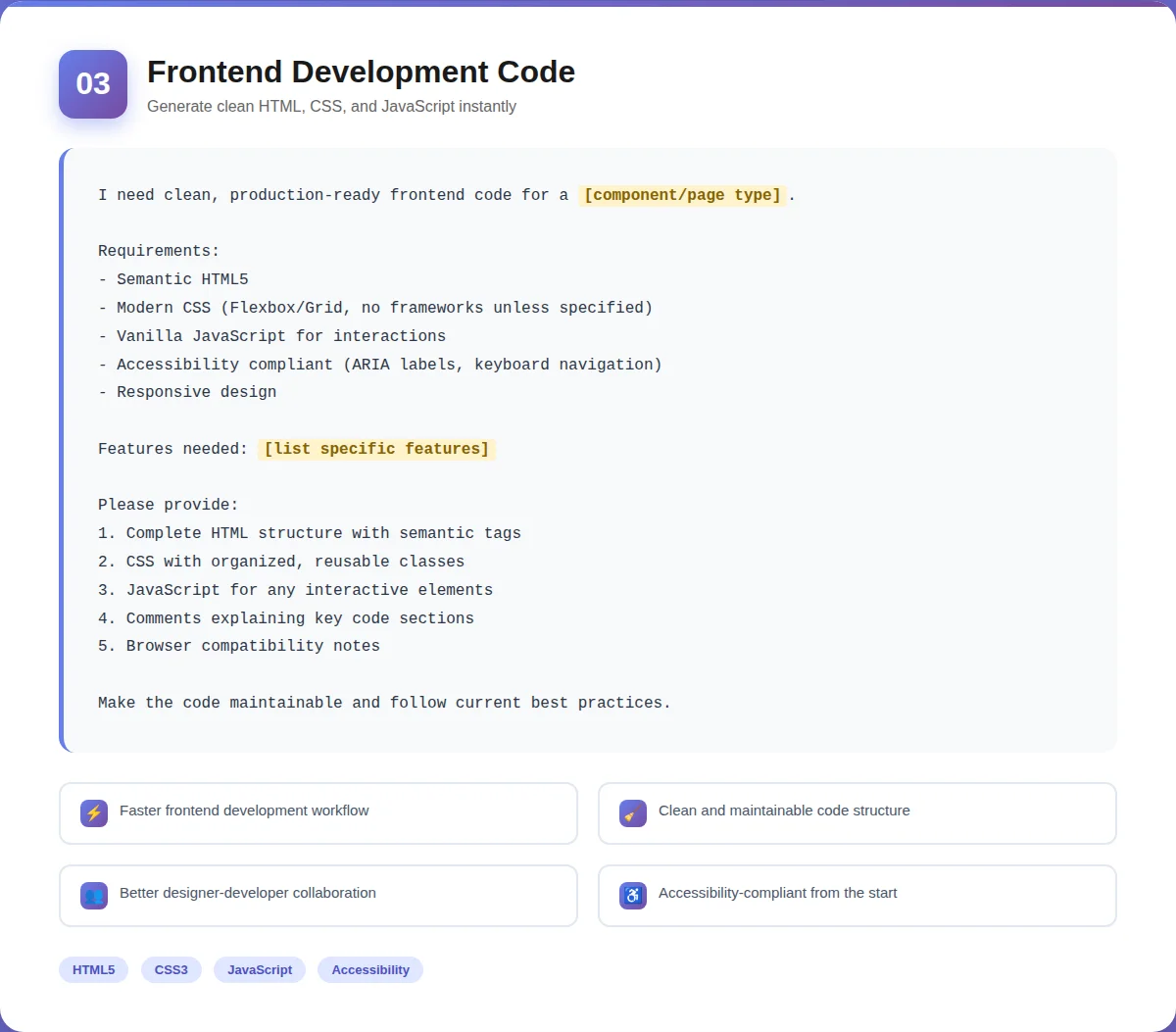
I need clean, production-ready frontend code for a [component/page type, e.g., “hero section” / “contact form” / “pricing table”].
Requirements:
Semantic HTML5
Modern CSS (Flexbox/Grid, no frameworks unless specified)
Vanilla JavaScript for interactions
Accessibility compliant (ARIA labels, keyboard navigation)
Responsive design
Features needed: [list specific features]
Please provide:
1. Complete HTML structure with semantic tags
2. CSS with organized, reusable classes
3. JavaScript for any interactive elements
4. Comments explaining key code sections
5. Browser compatibility notes
Make the code maintainable and follow current best practices.
How It Works
ChatGPT offers semantic HTML, reusable CSS, and functional JavaScript with your design. It makes sure that the code is sustainable and consistent with best practices.
Benefits
- Accelerates the front-end development.
- Generates clean, readable code.
- Enables more effective and efficient design and development teams.
4. Backend Development and API Integration
This is the prompt in the server-side logic, database processing, and API configuration.
Prompt:
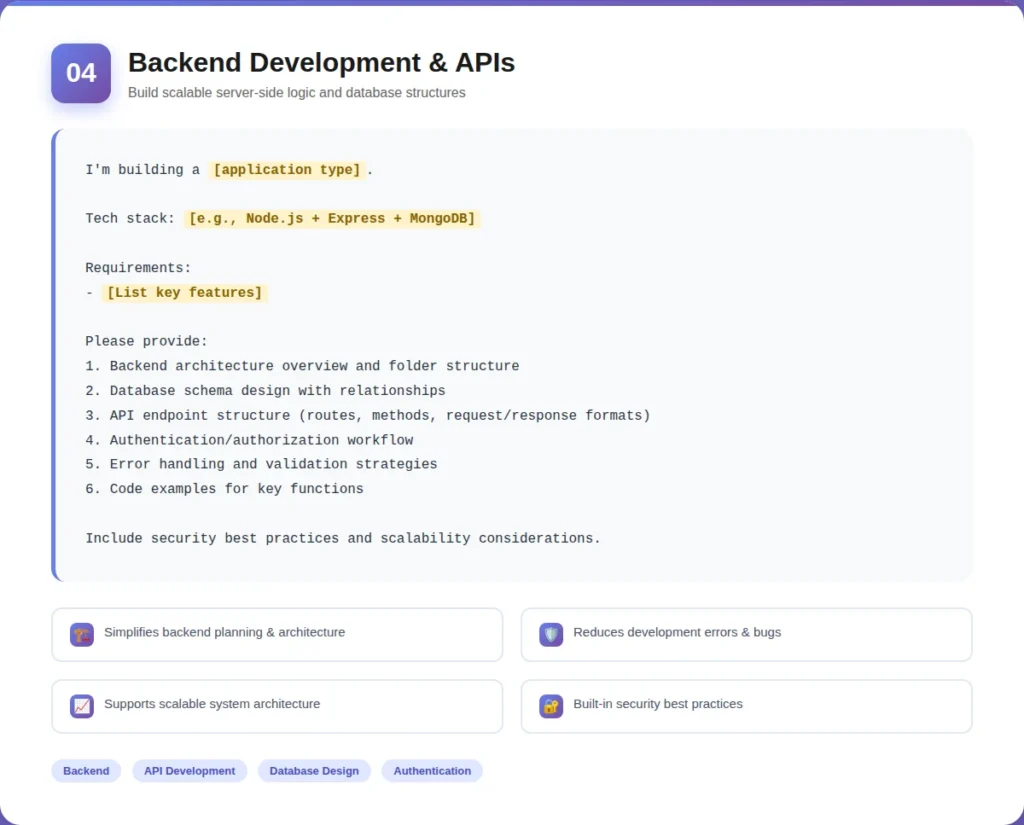
I’m building a [application type, e.g., “user authentication system” / “dashboard with database” / “booking system”].
Tech stack: [e.g., “Node.js + Express + MongoDB” / “Python + Django” / specify yours]
Requirements:
– [List key features, e.g., “user login/registration”, “data CRUD operations”, “API endpoints”]
Please provide:
1. Backend architecture overview and folder structure
2. Database schema design with relationships
3. API endpoint structure (routes, methods, request/response formats)
4. Authentication/authorization workflow
5. Error handling and validation strategies
6. Code examples for key functions
Include security best practices and scalability considerations.
How It Works
ChatGPT describes how to implement a backend workflow, structure your database, and define API routes and logic to ensure your development is smooth and scalable.
Benefits
- Makes it easy to plan the backend architecture.
- Increases the number of codes completed correctly and reduces errors.
- Scalable and secure application structure.
5. Creating a Search Engine Optimized Web Architecture
The prompt includes the search engine-optimized site structure design prompt.
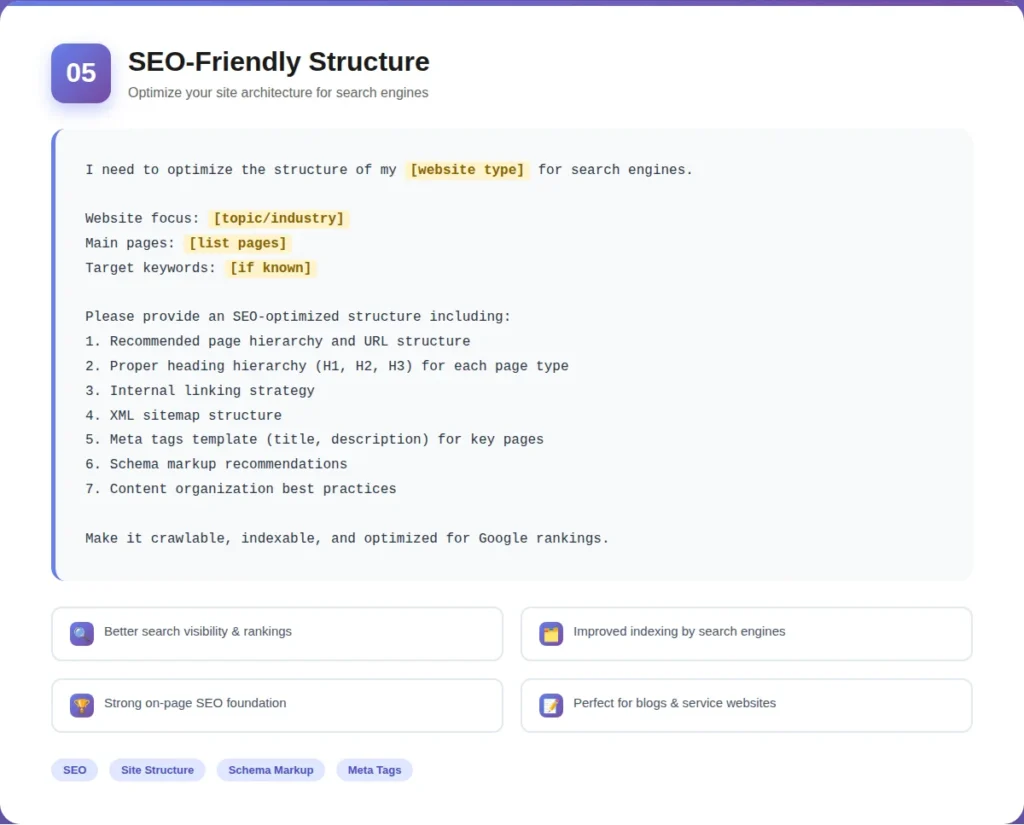
Prompt:
I need to optimize the structure of my [website type] for search engines.
Website focus: [topic/industry]
Main pages: [list pages]
Target keywords: [if known]
Please provide an SEO-optimized structure including:
1. Recommended page hierarchy and URL structure
2. Proper heading hierarchy (H1, H2, H3) for each page type
3. Internal linking strategy
4. XML sitemap structure
5. Meta tags template (title, description) for key pages
6. Schema markup recommendations
7. Content organization best practices
Make it crawlable, indexable, and optimized for Google rankings.
How It Works
ChatGPT proposes a hierarchical order of the page, the structure of the headings, and internal linking to make your webpage crawlable within search engines and comprehensible to search engines.
Benefits
- Improves search visibility
- Improves the indexing and ranking of potential.
- Strengthens on-page SEO.
6. Conversion-Focused Website Design
Holds the prompt of the designing pages that will transform visitors into leads or customers.
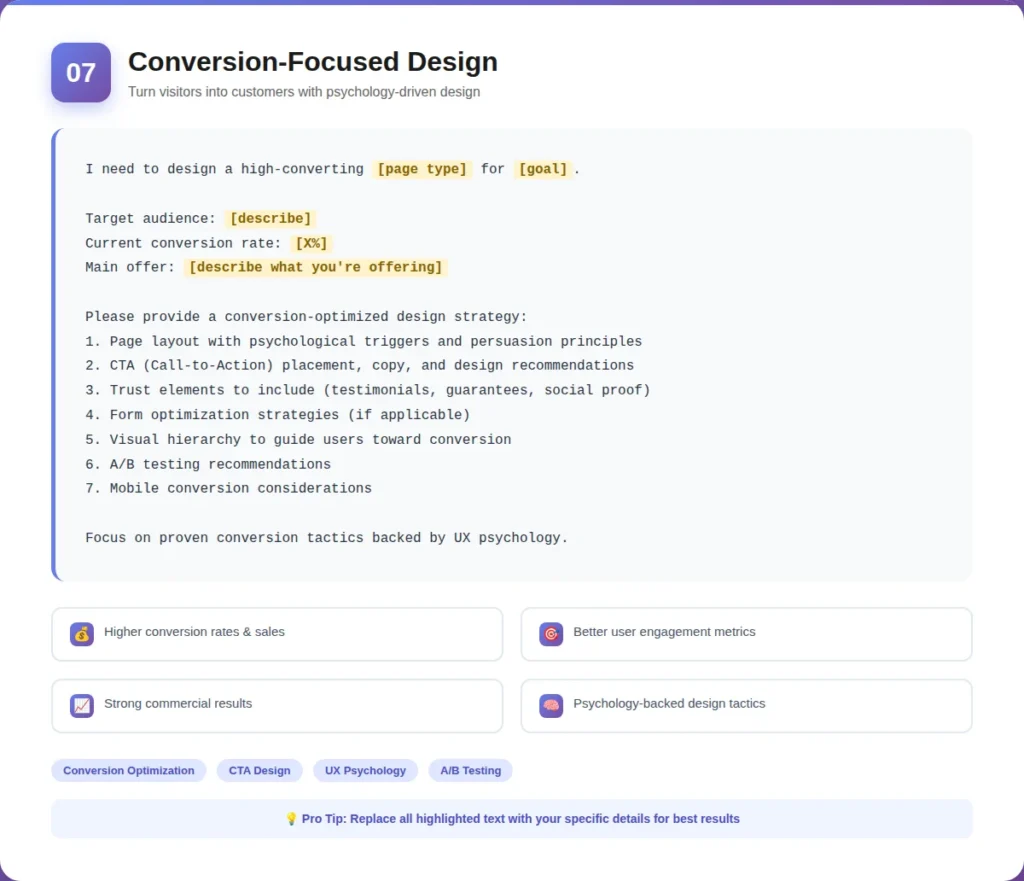
Prompt:
I need to design a high-converting [page type, e.g., “landing page” / “product page” / “checkout flow”] for [goal, e.g., “email signups” / “product sales” / “demo bookings”].
Target audience: [describe]
Current conversion rate (if known): [X%]
Main offer: [describe what you’re offering]
Please provide a conversion-optimized design strategy:
1. Page layout with psychological triggers and persuasion principles
2. CTA (Call-to-Action) placement, copy, and design recommendations
3. Trust elements to include (testimonials, guarantees, social proof)
4. Form optimization strategies (if applicable)
5. Visual hierarchy to guide users toward conversion
6. A/B testing recommendations
7. Mobile conversion considerations
Focus on proven conversion tactics backed by UX psychology.
How It Works
ChatGPT relies on the psychology of design to offer layout suggestions, CTA positioning, and trust-building items that attract the visitor to act.
Benefits
- Increases conversion rates.
- Leads user interaction in an effective way.
- Favors improved business performance.
Pro Tips for Using These Prompts:
- Replace all [bracketed text] with your specific details
- Begin discussions by giving a background about your project.
- Ask questions, follow-up, to narrow down the outputs.
- Ask to revise requests when the initial one is not that accurate.
- Group activities when doing complicated tasks.
Who Can Benefit Most from ChatGPT Design Prompts?
Web Design Agencies
ChatGPT design prompts can be used to accelerate the ideation of agencies with multiple client projects, as well as author coherent UI/UX layouts, and produce clean frontend and backend code in a short period of time. This will enable them to provide quality websites within a short time without losing creativity.
Freelance Designers and Developers
These prompts can save hours of time lost to repetitive work by independent professionals using them to generate wireframes, responsive designs, or snippets of code. It is like having an intelligent helper that helps to organize and make your projects efficient.
SaaS Startups
Prompts can be used to plan dashboards, user flows, and conversion-oriented landing pages by startups that are developing software products. This provides a quick development, and at the same time, it has a polished, professional appearance.
E-commerce Businesses
Prompts can be used in online stores to facilitate the design of product pages, checkout flows, and responsive layouts. It accelerates web updates, enhances customer experience, and facilitates the enhancement of conversions.
Product Teams
Prompts can be used to brainstorm ideas for a UI, organize content, or streamline workflows by teams handling digital products. It assists in the consistency of features and releases, and in the smoother and more coordinated development of products.
Hire professionals who craft high-impact prompts, accelerate AI outputs, and make your automation truly intelligent.
“Join Certified EXRWebflow AI Prompt Engineers!”
Final Thoughts
ChatGPT design prompts are effective tools that assist web designers and developers in performing their tasks faster.
“Good design is obvious. Great design is transparent.” ~ Joe Sparano
The strategic implementation of these factors translates to time wastage and quality improvement that translates to better business outcomes. The prompts represent a useful tool for professionals wishing to obtain more effective results with the help of effective work practices.
Frequently Asked Questions
Are ChatGPT design prompts suitable for professionals?
Yes. They are expert-level workflows when they are properly written. ChatGPT prompts are used by professional designers and developers to work faster and more quickly on repetitive tasks, create templates of the code, and search for design alternatives without losing quality.
Can ChatGPT replace web designers or developers?
No. ChatGPT does not eliminate expertise; it can only increase productivity. Still required is design judgment, technical expertise, and output customization to meet the particular needs of a brand. Consider it an effective assistant, rather than a replacement.
What is the best AI for web design?
ChatGPT is good at strategy, code generation, and UX strategy. In the case of visual design mockups, it is possible to use the combination of Midjourney and ChatGPT to create a complete workflow. Figma AI components and a v0.dev also do a fantastic job of component generation.
Do ChatGPT design prompts help with SEO?
Yes, particularly in site structure, hierarchy of headings, internal linking strategies, and content organization. ChatGPT is capable of creating page structures and meta tags templates, and schema markup proposals that get optimized to boost search engine visibility.
Can beginners use ChatGPT for web design?
Absolutely. ChatGPT can be user-friendly, provided you use clear prompts. It can be used to describe concepts, write starter code, and coach you through decisions of design. Nevertheless, you will be learning at a faster rate as you will know the outputs instead of copying them.